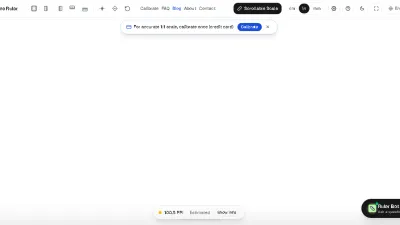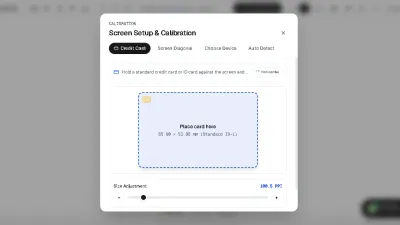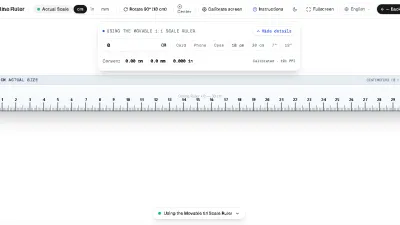
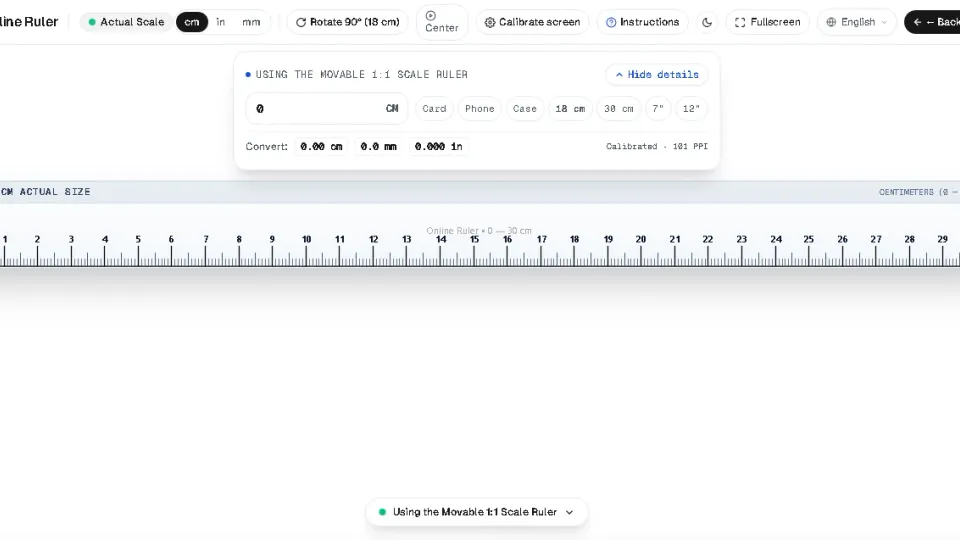
Smartphones are always in our pockets, making them the ultimate emergency ruler. By turning your mobile display into an interactive millimeter canvas, you can measure screws, coins, ring bands, and small hardware instantly.
Why Measure on a Phone Screen?
Unlike native apps that demand invasive camera permissions or show full-screen video ads, our web app launches in milliseconds. High-density OLED and Retina displays offer over 400 pixels per inch, which translates to visual measurement precision finer than 0.06 mm per pixel.
Step-by-Step Guide for iPhone & Android
- Open Safari or Chrome: Visit onlinelineyka.com.
- Lay the Phone Flat: Place your phone on a steady desk or table to avoid accidental tilts or hand tremors.
- Select Your Edge: Use the on-screen edge switcher to pin the ruler to the top, bottom, left, or right edge.
- Align the Object: Align the left or bottom edge of the physical object with the "0" mark and read the tick mark where the item ends.

Using 4 Screen Edges (Top, Bottom, Left, Right)
Different objects require different approaches:
- Top Scale: Ideal when looking straight down at small items like jewelry or screws.
- Left / Right Vertical Scale: Perfect for measuring longer slender items up to 14–16 cm on modern tall smartphones.
- All 4 Edges Mode: Provides a complete square frame for measuring width and height simultaneously.